

About
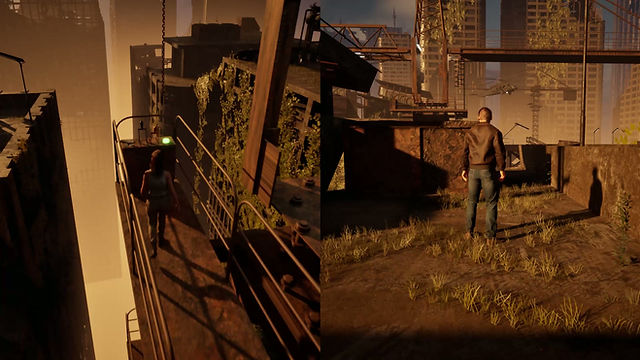
"Escape" is narrative driven co-op experience. Suzan is on the run after bringing her "not so smooth" boyfriend on a high stake job. Both players have to do their part to go forward and escape from the military that is trying to capture them.
The main goal for this project was to learn split-screen logic and interaction systems.
FULL GAMEPLAY
TRAILER
GAMEPLAY FLOW
OPENING CINEMATIC
The story begins in the aftermath of a crash, introducing Suzan and Travis at their lowest point. This moment establishes tone, character dynamic, and the emotional hook before rewinding back to the events leading up to it.

CO-OP EXPLORATION AND INTERACTION
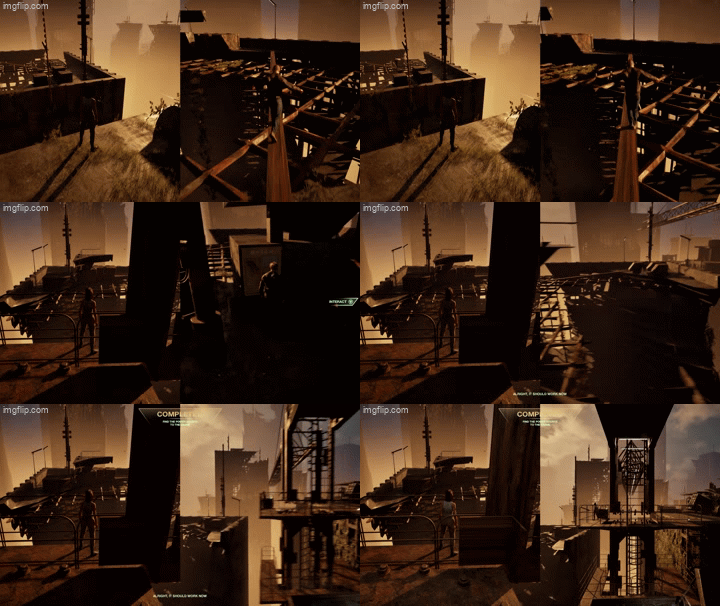
Players regain control in split‑screen and must work together to progress. This section focuses on:
Player‑agnostic interaction prompts.
Shared objectives.
Environmental storytelling.
Smooth transitions between players taking the lead.
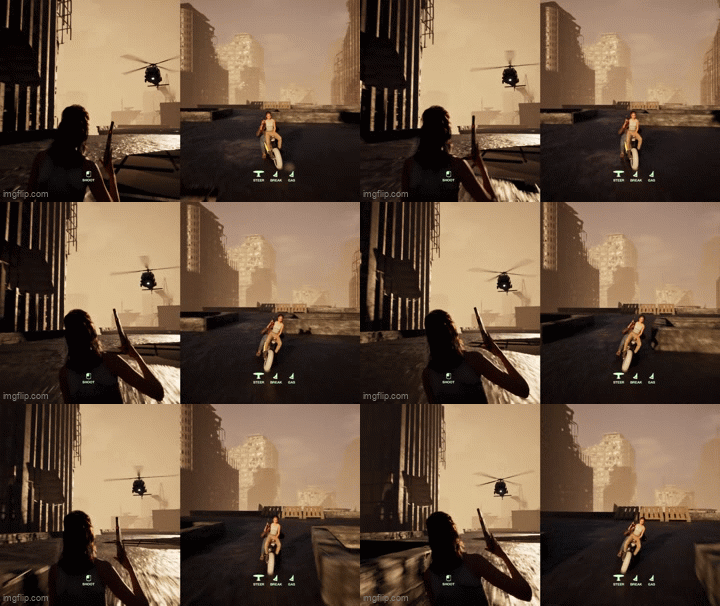
A fast‑paced, scripted escape where both players must coordinate:
Driving.
Shooting.
Reacting to near‑miss events.
Navigating hazards.
The chase is built to feel cinematic without relying on heavy physics using timing, camera work, and script to keep tension high.
THE CHASE SEQUENCE
CLOSING
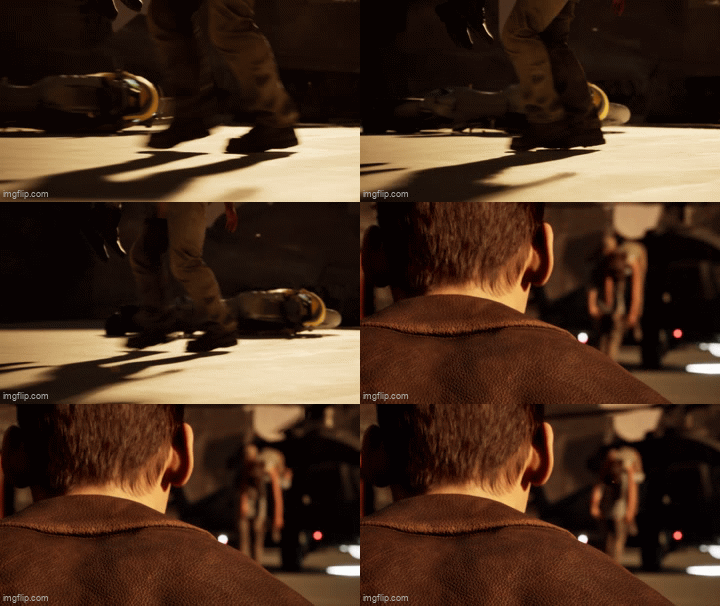
The slice ends with a final set‑piece moment that ties back into the opening crash, completing the loop and reinforcing the narrative structure.
CODE SNIPPETS
PLAYER 1
INTERACTABLE.CPP
Why: Any interactable actor in the level should not scan for nearby players every frame.
Problem it solves: How does the game know Player 1 can use something here?” An overlap sphere detects the character and sets/clears CurrentInteractable on the component via InteractionTarget (the crane or other actor). Separates proximity from actually using the object.
INTERACTCOMPONENT.CPP
Why: Characters should not call ACrane directly; cranes, power buttons, and swings all share the same flow.
Problem it solves: “One place to remember what I’m using and forward calls.” Stores the current IInteracting*, runs Begin/End on button press, and only passes HandleInput when bIsInteracting is true. Same component works for any interactable type.
CRANE.CPP
CRANE.CPP
Why: Crane controls
Problem it solves: “What actually happens when a player uses this machine?” Implements IInteracting: seat teleport + attach, disable movement, crane camera, rotate on input (if power allows), sound, then restore everything on exit. Interactable + InteractComponent only get you to the crane; Crane.cpp defines what using it means.
SPLIT-SCREEN LOGIC
Spawning


We check if controller ID == 0, because if it's not, then we know that this is player 2 (ID 1), and then we can add correct input and spawn location.
UI ELEMENTS




INTERACTION SYSTEM
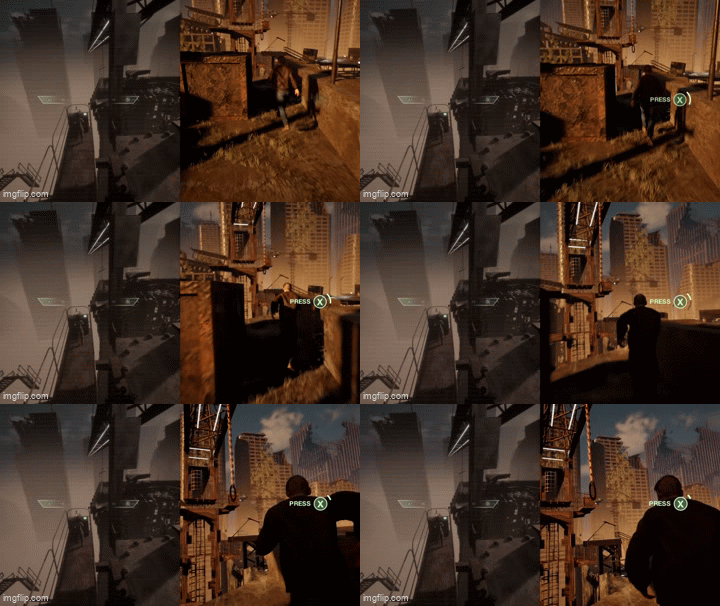
IInteracting (Interface) - OnInteractStart/End & OnRecieveInput.
AInteractable (Actor) - Placed on Actors we want to interact with such as Crane, PowerButton and CraneSwing.
UInteractComponent (On both characters) - Holds IInteracting* CurrentInteractable,
BeginInteraction / EndInteraction calls interface on the owner pawn,
HandleInput - forwards to OnReceiveInput when bIsInteracting.
-
Example implementation (in short):
NARRATIVE BREAKDOWN
HOW DO I TELL A STORY IN A 5 MINUTE GAME?
We have 2 characters and a story. The key here is to:
- Introduce the characters in a way where it feels natural and not too forced.
- Give a bit of a backstory, enough so that the player can get a feel of the characters they're playing as and why they are where they are, and what they need to do and why.
In a 5 minute narrative driven game, I think touch and feel is important. Make the player understand, but not too much. Sort of like they're playing chapter 1 out of 10. They get a good introduction but not really the full picture, leaving the player up for their own interpretation.
Well, we start off the game with a short line of text displaying
"Every story has a point where everything shifts. Ours began long before we understood what we were stepping into."
This gives the player a very short introduction to the story they're about to dive into. We then see Suzan laying on the ground, talking philosophically about "Running" and that you start running once something catches up to you. Hinting to the player that she might be in trouble or being chased. Followed by her introducing our next character "Travis" and saying that they "just took 1 wrong job" etc. Alright, now the player got some sort of backstory, we can clearly understand that she is talking about the past and that they were on some sort of mission.
Throughout the first segment of gameplay, we encounter our first enemy. It's a helicopter flying by them telling them to surrender. Once again, telling the player they're being chased, but this time, we know a little bit more about by what.
MAKING THE PLAYERS GET A FEEL OF THE CHARACTERS
This is where dialog and cinematics come into play. After the first segment, Travis and Suzan has a dialog, where I tried to display their personalities a bit. Suzan is more sharp-edged and not afraid to get dirty, and Travis is a bit of a pussy, scared of heights and should honestly not even be on that mission.
ENDING
To wrap up this story without actually ending/closing it. I decided to make and ending where the player wants more, or the next part. We see Suzan being captured by the military and Travis half-dizzy realizing that she's being carried away. Sort of like, what's gonna happen next? Is Travis alone now? What's gonna happen to Suzan?

WHAT I WOULD'VE DONE DIFFERENTLY
If I rebuilt this, I'd move the split-screen spawning logic into C++ rather than Blueprint to make it easier to extend and test. I'd also look at whether the interaction system needed the AInteractable base class at all, or if the interface alone was sufficient.
Afterall, this is my first split screen project and first time working with interaction systems. I've made tons of mistakes during this project but will make sure to bring this new knowledge into my next split-screen game.